Sculpt Mesh Lite - 3dsMax sculpting plugin

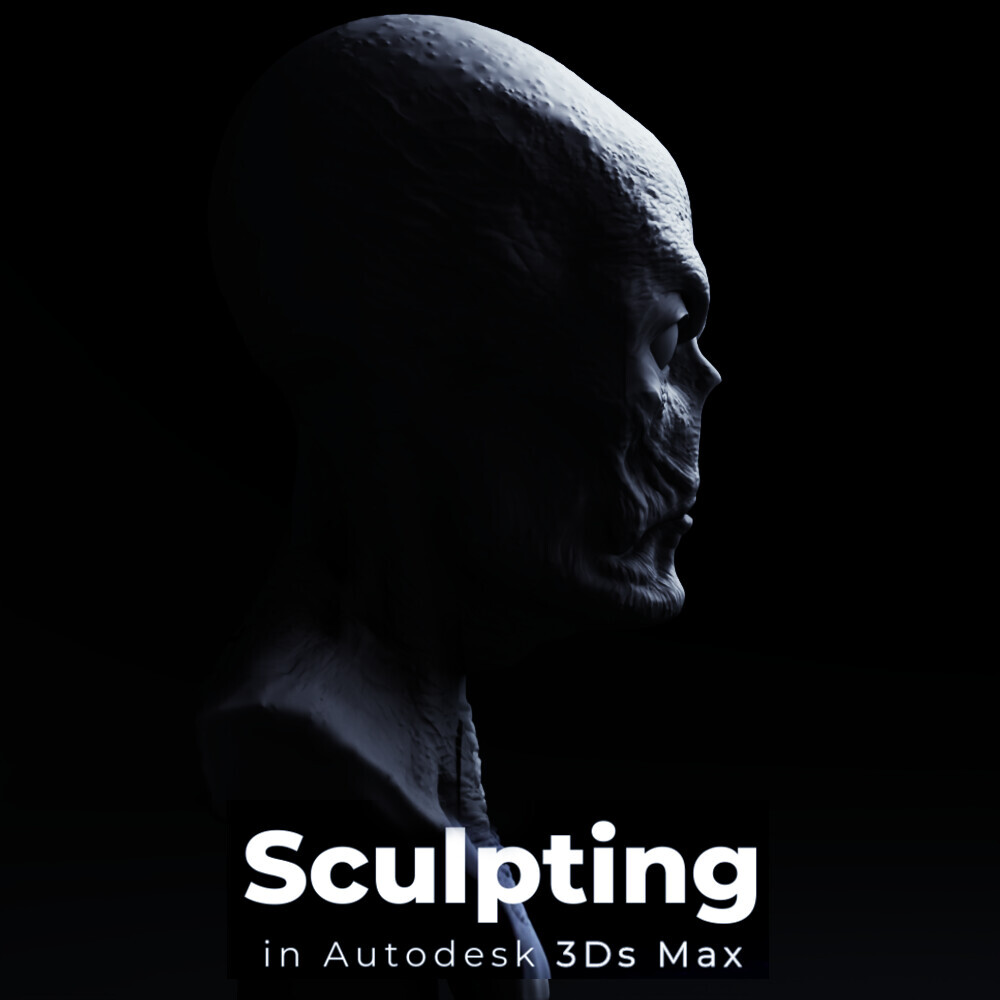


Sculpt Mesh Lite version - 3ds Max Sculpting & Painting Tool
IMPORTANT:
The Lite version includes fewer brushes and fewer tools overall than the Full version, which can be found here: https://www.artstation.com/a/56360171
Unfortunately, ArtStation doesn’t offer an option to upgrade from the Lite version to the Full version. Once you purchase the Lite version, there’s no way to upgrade it later. If you want the Full version, you’ll need to purchase it separately.
Sculpt Mesh is a native sculpting and painting tool for Autodesk 3ds Max 2024 and up, designed for fast and intuitive mesh editing directly inside the viewport. It combines multiresolution sculpting, subdivision levels, a flexible brush system, alpha textures, masking, painting, and interactive brush controls in a single workflow.
Sculpt Mesh is designed to help artists shape, refine, and add details to their models without constantly switching between 3ds Max and an external sculpting application. It can be used for quick mesh corrections, organic modeling, shape exploration, surface refinement, and more detailed sculpting tasks while staying inside the familiar 3ds Max environment.
Unlike a modifier-based workflow, sculpting and painting are performed on a dedicated Sculpt Mesh object. This allows Sculpt Mesh to manage the geometry, subdivision levels, and sculpting data directly while providing a more focused and responsive workflow.
Whether you need to make small adjustments to an existing model, refine organic shapes, add surface details, or simply experiment with sculpting directly inside 3ds Max, Sculpt Mesh provides a straightforward workflow built around interactive viewport editing.
Licensing
To receive a license key, please complete the Request page <- here.
The tool doesn't have a trial version and uses a cloud license. After purchasing, please read the online documentation.
An active internet connection is required for the tool to function properly.
You can transfer the license key to another computer whenever needed by deactivating it on the current computer and activating it on another one. However, the license can only be active on one computer at a time.
The Demo version is a free version and it is available for 48 hours and includes a limited set of tools and features. Some tools available in the full version are not included.
Tools
- Multiresolution sculpting
- Subdivision levels
- Dedicated Sculpt Mesh object
- Interactive sculpting directly in the 3ds Max viewport
- Sculpting brushes
- Painting tools
- Alpha texture support for brushes
- Masking
- Adjustable brush size and strength
- Adjustable brush falloff
- Interactive brush controls
- Workflow designed for both quick corrections and detailed sculpting
- Designed to keep sculpting and mesh refinement directly inside 3ds Max
- and many more..
Important
For the best experience, sculpting and painting are designed to run on a Sculpt Mesh object, and not as a modifier.
It is also recommended to use Standard viewport mode instead of High Quality mode while working with Sculpt Mesh.
Release Notes
MeshSculpt v1.001 vs v1.00: release notes
The numbers were measured in Max 2027 on a Ryzen 9 5900X and GPU NVIDIA RTX 3800. Most were taken on a mesh of about 8–10M (millions) vertices.
-
New features:
1. Plane Pins: you cut a mesh with a drawn contour and get two Sculpt Mesh objects, with caps built directly instead of through Booleans. The split is exact when the contour is untouched, and the handles are light blue. (best for 3D printing)
2. Edit Flow (topology editing):
Auto-picking of vertices, edges and faces, with Shrink, Grow, Loop and Ring.
Insert loop, remove loop, chamfer, inset, extrude, collapse and crease with a 0–1 weight.
W/E/R opens a transform of the selection, and Q returns.
Edits at level 0 keep the higher levels by re-subdividing and re-projecting them.
-
Optimisations
1. Peak Memory drops 28% less
2. Multires switching levels 22x faster
3. Auto Groups (curvature) 28x
4. Brushes and sculpting 19x
5. UI switching tools 90x
6. Cloth Brush 5x
7. GPU buffer build 6.5x
8. Live redraw during a stroke (10.26M verts) 15x
9. New Layer 44,5x
10. Deformers tools 4x
11. Thickness 12x
12. Paint Mask and Sculpting experience is more fluid now.
-
Fixes
1. SculptGroups:
- They no longer scatter or disappear when you cycle Multires levels after topology edits.
- Thickness keeps the existing groups.
- Ctrl+W with a mask creates a group.
2. Detach from a mask: produces only quads.
3. Stroke visibility: strokes and masks are visible live, including after rotating the camera.
4. Crease lines: hidden behind the mesh when occluded.
5. Crease edges: they survive subdivision.
6. Pose brush: the right-click commit works again.
7. Ctrl+click in empty space: it clears the mask on the first try.
8. The Pose brush now respects the mask.
9. Lazy Mouse trail is now visible.
-
New shortcuts:
Ctrl+D adds a subdivision level, D goes up one level and Shift+D goes down one.